Start with a link
Share a post from X or paste its link to find available videos and GIFs.

Twitter Video Downloader
Save videos and GIFs from X posts by sharing a post or pasting its link. Choose an available quality and find your downloads in the Library.
Designed & developed by Poovarasan Vasudevan
 Twitter Video Downloader / THE APP IN ACTION
Explore what you can do with Twitter Video Downloader.
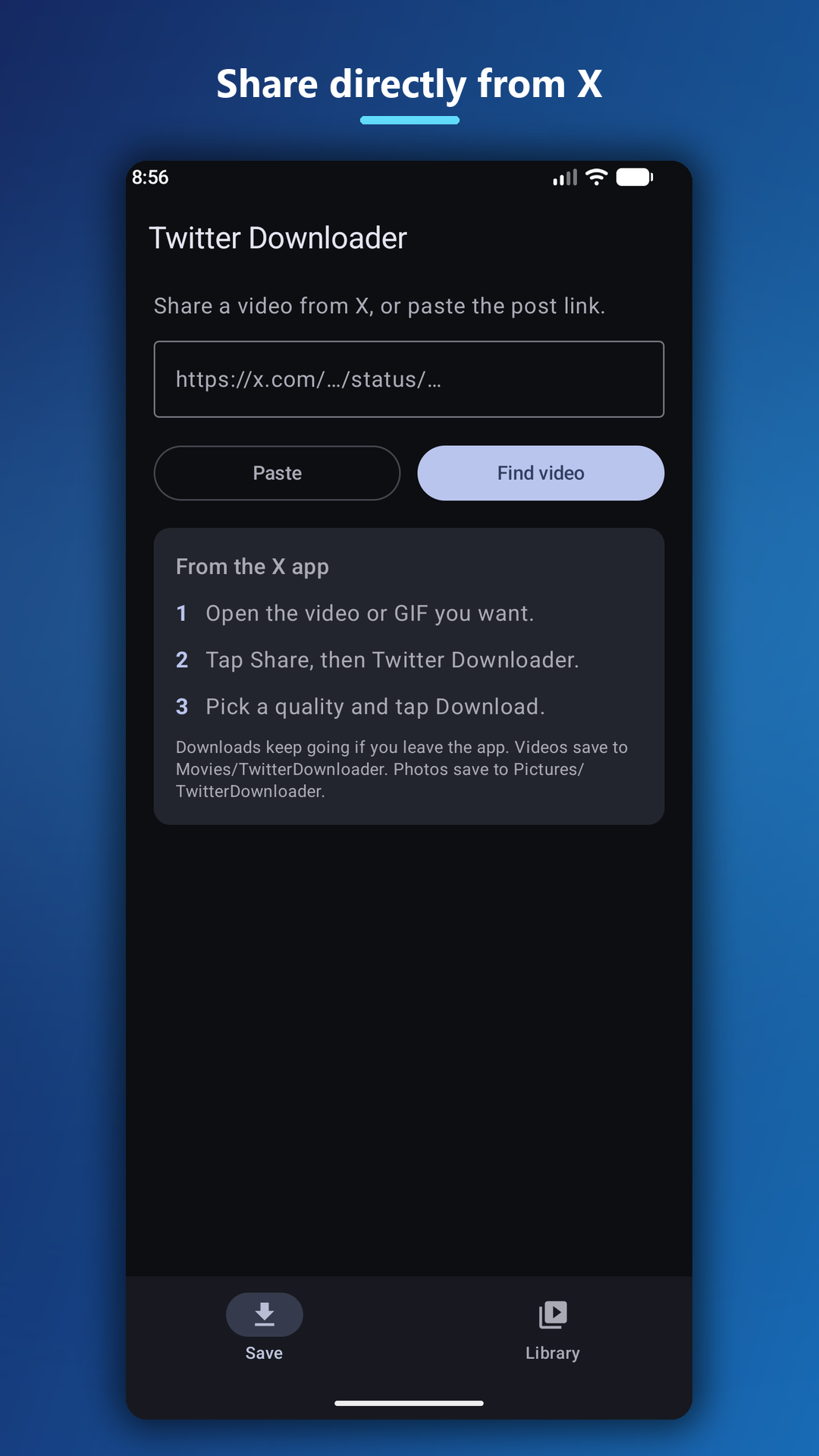
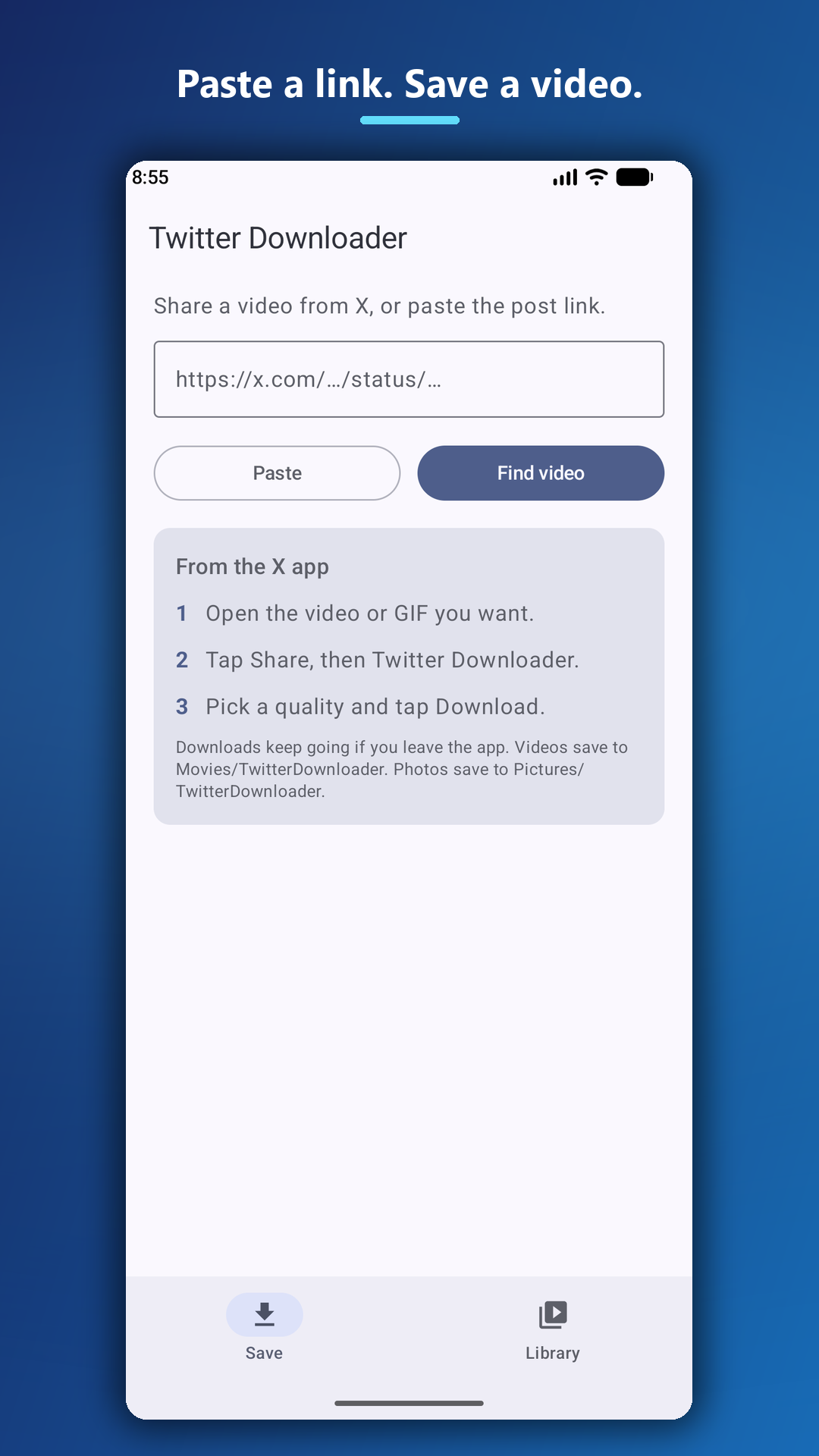
Share a post from X or paste its link to find available videos and GIFs.
Pick an available video quality. Downloads can continue while you use other apps.
Browse the Library or access downloaded videos in your device’s Movies/TwitterDownloader folder.
Screenshots from Google Play.
Scroll to explore. Select one to enlarge.
Only download media you have the right to save and use. This is an independent app and is not affiliated with X.
Open an X post containing a video or GIF.
Share it to Twitter Downloader, or copy and paste the post link.
Choose an available quality and tap Download.
Share-menu integration · Background downloads · Light & dark themes
Questions or feedback? Get in touch ↗Discover Twitter Video Downloader on Google Play.
Get Twitter Video Downloader ← Back to all apps EXPLORE NEXTjoyOTP